
How to upscale a DVD VOB, AVI or MTS file
- Choose the file.
Press "Choose video" on the home page and pick the VOB, AVI or MTS file, or drag it onto the box. The box shows "Preparing your VOB video…" with a percentage. The first time you open one of these formats, the page downloads FFmpeg's decoders to read it; there is nothing to install.
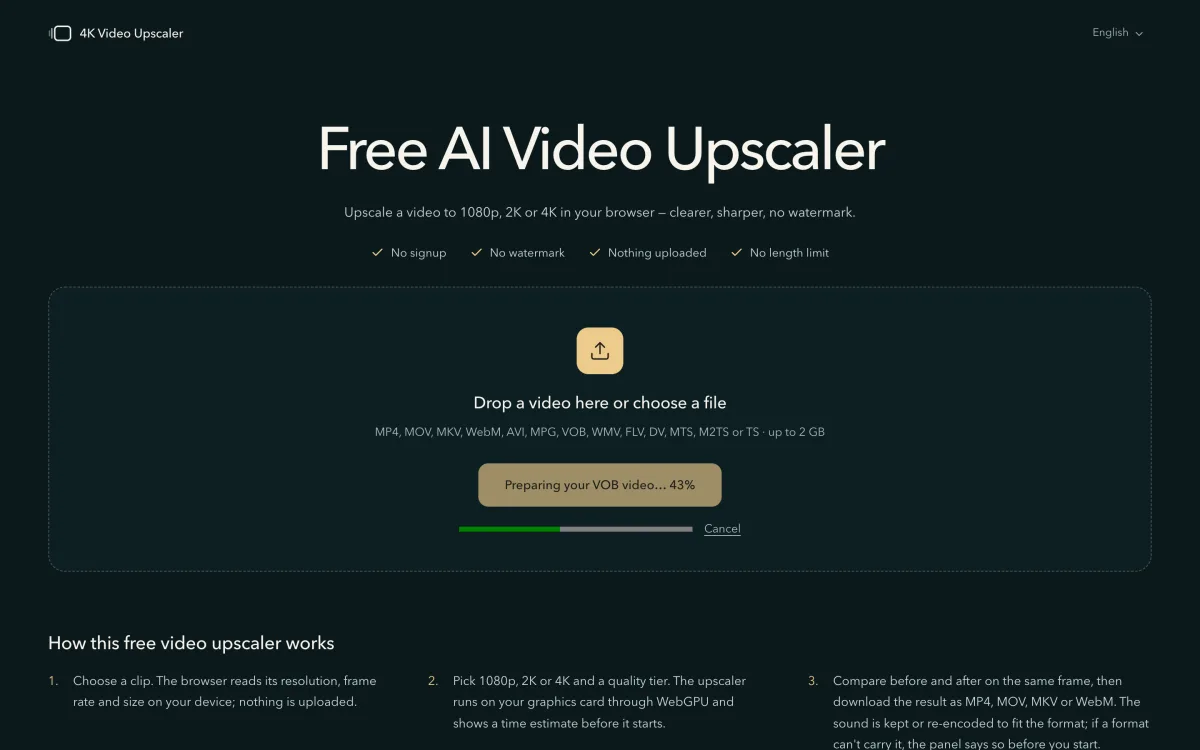
A VOB file from a DVD, being prepared. - Preview while the rest converts.
The start of the video opens within seconds, so you can press "Preview this frame" or "Try 30 seconds first" straight away. The page converts the rest meanwhile, and "Preparing the rest" at the top shows how far it has got. An upscale of the whole video starts once the conversion is done. Camcorder files open as soon as their video has been copied into an MP4.
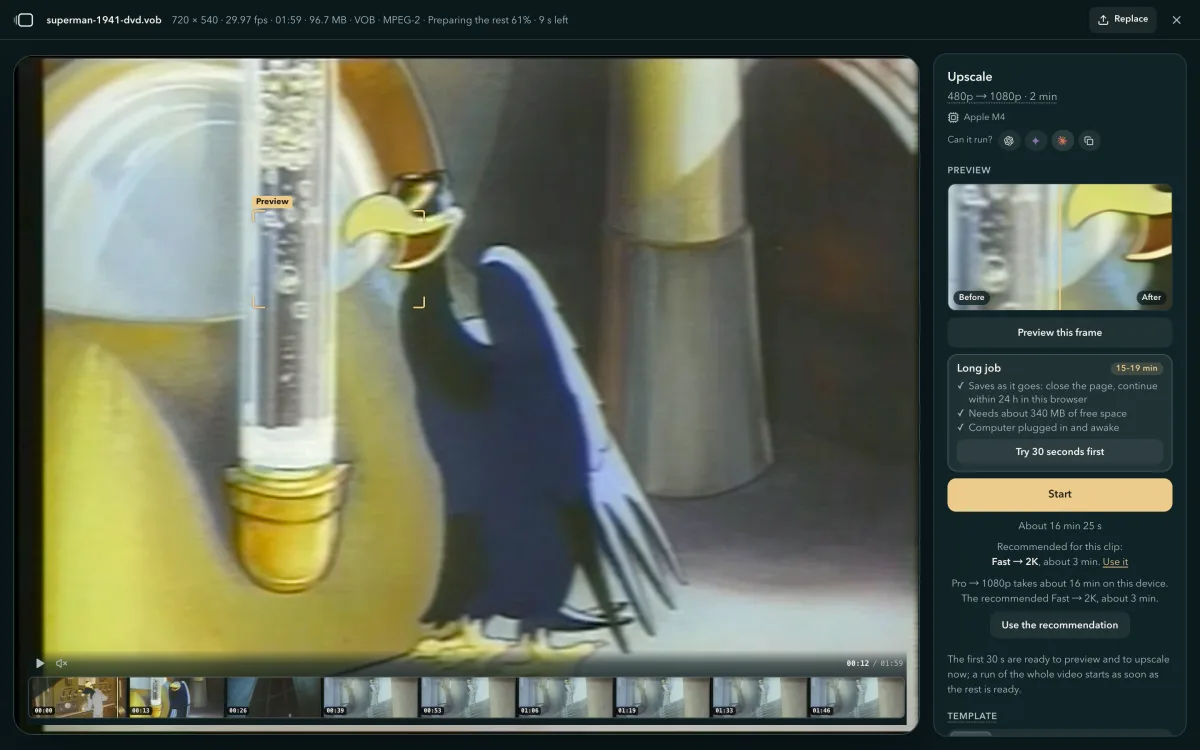
The DVD open and ready to preview while the rest converts. - Choose Pro and start.
DVDs and old tapes are usually blocky and noisy, which is what Pro cleans up. Pick Pro under Quality and 1080p or 2K under Output (this link sets Pro and 1080p). For old film with heavy grain, try Ultra. A camcorder MTS is usually 1080 already, and Fast takes it to 4K. For close-ups of faces, compare two settings in the preview before you start.
Which files open, and what happens to them
Interlaced video is the old TV kind that shows fine stripes on moving edges. The formats below that are converted to MP4 are deinterlaced while they convert, so the stripes go.
| File | Where it comes from | What happens | Sound |
|---|---|---|---|
| VOB, MPG | DVD rips (MPEG-2), VHS captures | Converted to MP4 and deinterlaced | Kept, as AAC (Opus in Firefox) |
| AVI | Downloads from the 2000s (DivX, Xvid), old cameras | Converted to MP4 and deinterlaced; H.264 video is copied unchanged | Kept, as AAC (Opus in Firefox) |
| WMV | Windows Movie Maker and other Windows video | Converted to MP4 | Kept, as AAC (Opus in Firefox) |
| FLV | Flash-era web video | Converted to MP4; H.264 video is copied unchanged | Kept, as AAC (Opus in Firefox) |
| DV | MiniDV and Digital8 tapes copied to a computer | Converted to MP4 and deinterlaced | Kept, as AAC (Opus in Firefox) |
| 3GP | Old phones (MPEG-4, H.263) | Converted to MP4 | Kept, as AAC (Opus in Firefox) |
| MTS, M2TS, TS | AVCHD camcorders, TV recordings | Video copied into an MP4 unchanged | Dolby Digital becomes AAC (Opus in Firefox) |
A 1941 cartoon from a DVD-quality VOB, before and after
We saved part of an interlaced MPEG-2 file of DVD quality as a VOB and chose it on the home page. The page converted and deinterlaced it, and Pro upscaled it to 1080p. On the left is the source enlarged the ordinary way, on the right the result; drag the divider to compare.
Also in this version
A time estimate for every setting
Each size and quality shows how long it will take on your device before you press Start. For a long video, "Try 30 seconds first" runs a short part so you can check the result before the full run.
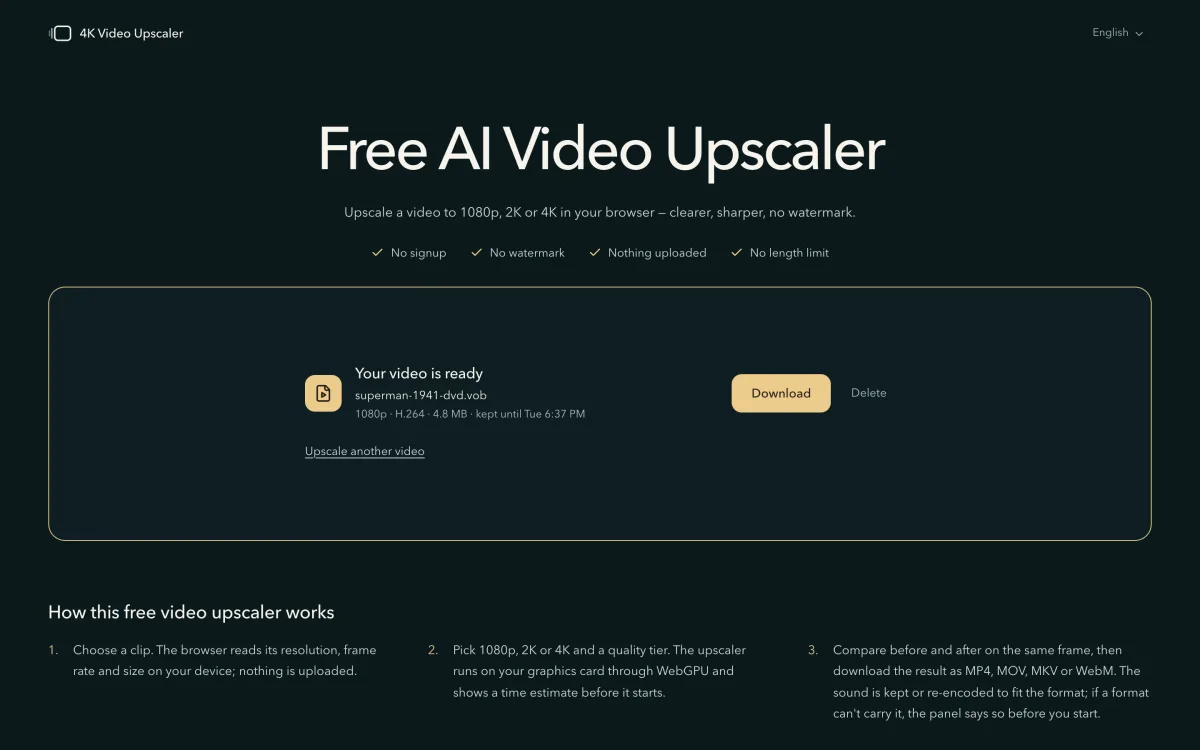
Finished videos wait on the home page
A finished video stays in the browser for 24 hours. Open the home page in the same browser within that time and it shows "Your video is ready" with a Download button.
How your browser opens and upscales old videos
From version 2026.09.27, 4K Video Upscaler opens VOB, AVI and other old formats: your browser converts them to MP4, then upscales them on this computer's or phone's own graphics chip. No server is involved, and the video is never uploaded. The conversion runs FFmpeg, compiled to WebAssembly, in a background thread of the page; the upscaling runs through WebGPU.
FFmpeg in the browser
about 1 MBto download, the first time you open an old format
Preview the first 30 seconds while the rest converts
For VOB, MPG, AVI, WMV, FLV and DV files, FFmpeg compiled to WebAssembly runs in a background thread of the page: it demuxes, decodes and deinterlaces the video, and the browser's own H.264 encoder re-encodes it into an MP4. The sound is re-encoded to AAC (Opus in Firefox). The first 30 seconds become a short MP4 of their own that opens at once, so "Preview this frame" and "Try 30 seconds first" work on it; the rest converts in the background, and a full-length upscale waits for it.
A trimmed build with only the decoders old formats need: 2.4 MB unpacked, where the complete ffmpeg.wasm is about 30 MB unpacked.
GPU time slicing
88 msfor the page to answer a tap while a phone upscales
Tap and scroll while your phone upscales
A phone's browser draws the page with the same graphics chip, and only once the work already handed to it is done. So each frame's work goes to the chip in slices of about 12 ms, sized by measuring this phone, and the page can repaint between two slices. The sliced result is identical to a whole-frame run.
Measured on a phone running Pro on a 480p video to 2K; the longest gap between two screen updates was 33 ms.
Saves as it goes
15 sof GPU work, and the first piece is already saved
Lock your iPhone or iPad, come back, and it carries on from the last save
A long job saves its finished pieces in the browser, for this site only: the first after 15 seconds of GPU work, then one every 30 seconds. When an iPhone or iPad locks or you switch apps, the job stops, because the browser takes the video decoder away. Back on the page, it carries on from the last saved piece by itself, up to 3 times in a row. Closed the page? Open the home page in the same browser within 24 hours to continue.
Only jobs estimated at over 90 seconds save in pieces.
Questions about DVD, AVI and MTS files
- Does 4K Video Upscaler open AVI and VOB files?
- Yes. From version 2026.09.27, 4K Video Upscaler opens AVI, VOB, MPG, WMV, FLV and DV files, converts them to MP4 in your browser and deinterlaces them, then upscales them like any other video.
- Can I upscale a DVD (VOB) to 1080p?
- Yes. A DVD picture is 720 × 480 (720 × 576 in PAL countries), and Pro at 1080p or 2K suits it best. Sizes are named by the long side, so a 4:3 DVD at 1080p comes out 1920 pixels wide and keeps its shape.
- Can I upscale a camcorder MTS (AVCHD) file in the browser without uploading it?
- Yes. The page copies the video from an MTS, M2TS or TS file into an MP4 without re-encoding it, and converts Dolby Digital sound to AAC (Opus in Firefox) so every browser can play it. Nothing leaves your device. A camcorder MTS is usually 1080 already, so Fast to 4K suits it.
- Is my video uploaded for the conversion?
- No. The conversion runs in your browser with FFmpeg's decoders, which the page downloads the first time you open one of these formats. The video stays on your computer or phone.
- My home videos are on tapes. Can I upscale them?
- Yes, once the tape is a file on your computer. A MiniDV or Digital8 camcorder connected to a computer gives a DV file, and a capture device for VHS or Hi8 usually saves MPG, AVI or MP4. Choose that file here; for heavy grain, pick Ultra.
- Are the stripes on moving edges of an old video removed?
- For VOB, MPG, AVI, WMV, FLV and DV files, yes. They are deinterlaced while they convert to MP4. Press "Preview this frame" to see it on your own clip.